 One Row
How it works
Temperature & mood blankets for iPhone
Your year, in yarn.
Knit or crochet one row a day, colored by the weather, how the day felt, or anything you track. One Row handles the colors, the rows and the reminders.
No more weather sites and spreadsheets.
- 1
Pick what your rows mean
The weather for any place and year back to 1940, your mood, your steps, or your own categories.
- 2
Choose your colors
Pick a palette by vibe and see your whole blanket before you buy a single skein.
- 3
Stitch one row a day
Tap Done and One Row keeps your place. Ten rows on a Sunday is fine too.
Try it
See your blanket.
Your hometown, the year you were born, the year you got married. Type a place and pick a year, and see the blanket its weather makes, one row per day.
A day’s high, in ten colors. In the app you choose the colors, the number of colors, and your yarn. Weather: NOAA weather stations. Places: GeoNames.
Every day
Made for hands full of yarn.
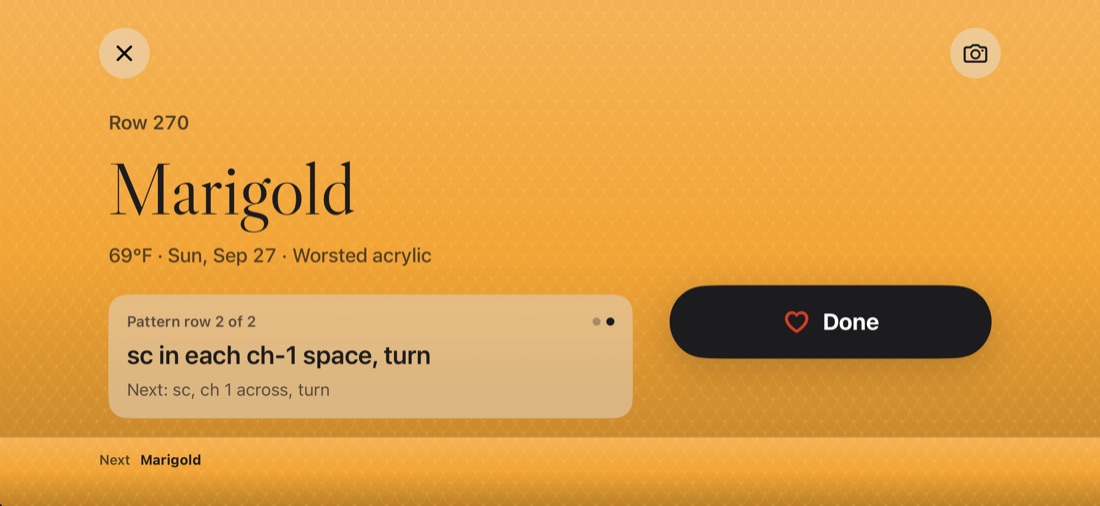
Turn your phone sideways. Today's color fills the screen, your pattern row is right there, and one big button marks it done. The screen stays awake while you work.
- Today's color and yarn, big and clear
- Which row of your stitch pattern you're on
- A daily reminder that names your hook size
Four kinds of blanket
Weather, moods, or your own thing.
A row for every day, whatever the day means to you. Pick one kind, or keep a few blankets going at once.
The day’s high, for any place and any year back to 1940.
Mood blankets
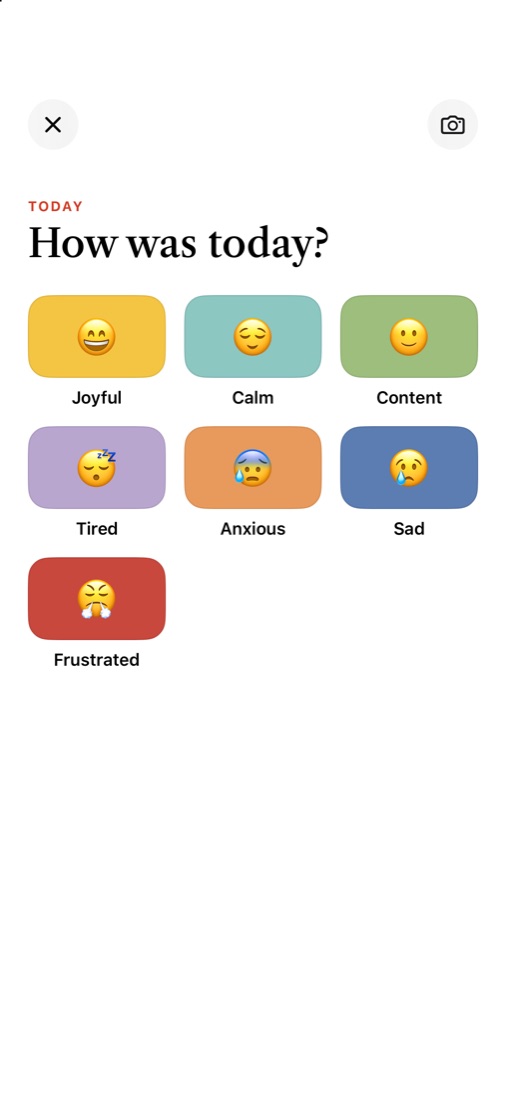
How was today? One tap.
Each mood gets a color and an emoji, and they're yours to rename, recolor, add to or remove. Missed a few days? One Row asks about each one, oldest first, so catching up takes a minute.
Colors
Find your vibe.
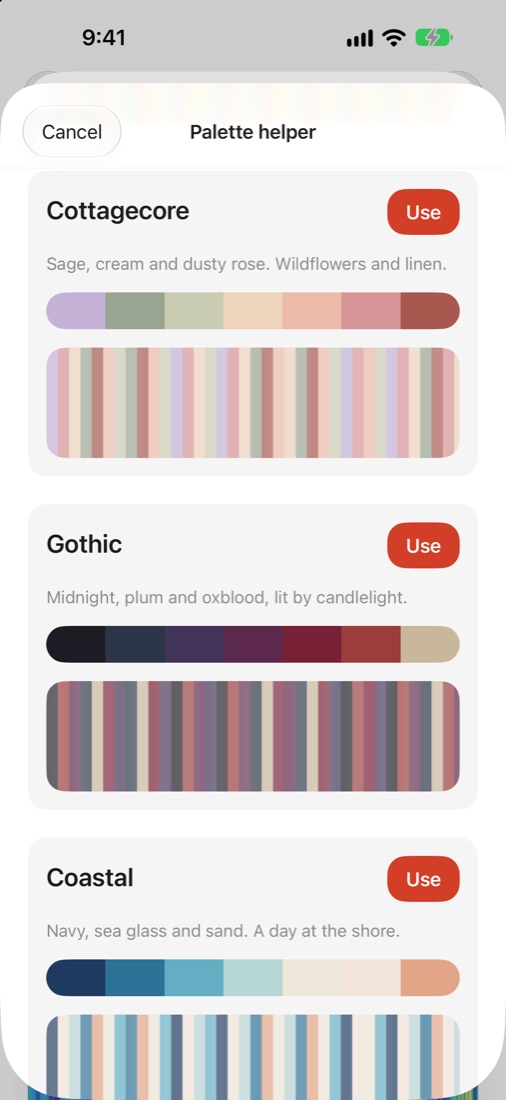
Pick a palette by feel: cottagecore, gothic, coastal, retro 70s, jewel tones and more, each shown on your own blanket. Or build one around a color you love, or start from a photo of yarn you already have.
Planning
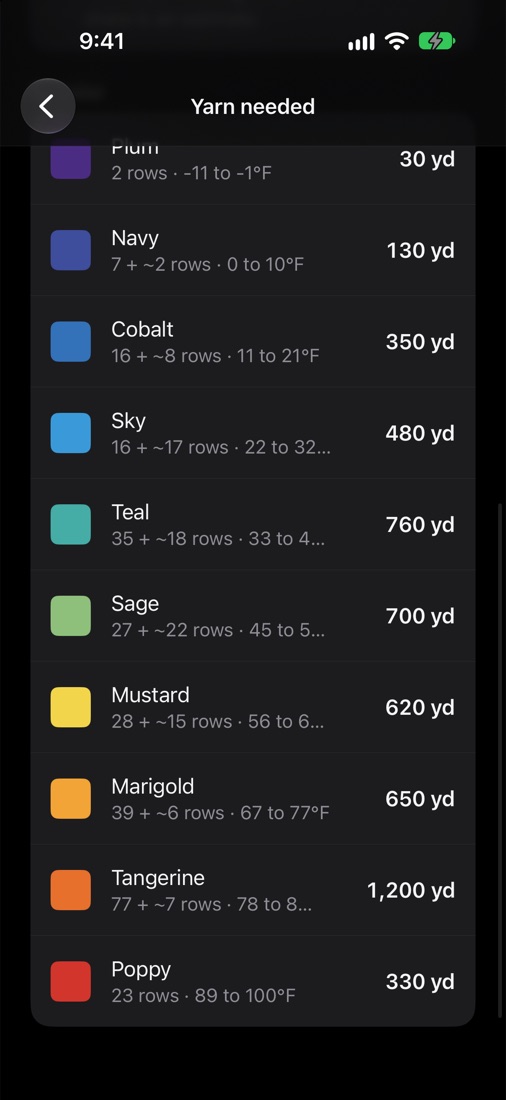
Know how much yarn to buy.
Tell One Row your yarn and stitch, and it works out the yards of each color your year will take. For this year's blanket, it uses last year's weather as a guide for the days still to come.
- Stitches to start with for the size you want
- Yards and skeins per color
- Plans for blankets you haven't started yet
Your home screen
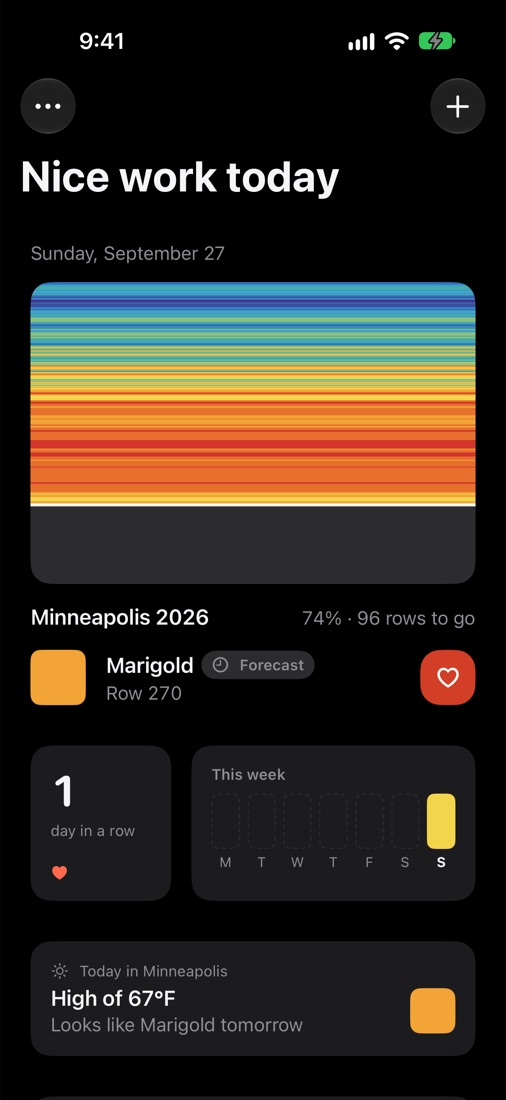
Watch it grow.
Your blanket fills in row by row, with your streak, this week's colors and, for weather blankets, today's forecast. Progress photos turn into a video you can share.
- Today's color on your Home Screen and Lock Screen
- Backed up to your own iCloud, so a new phone never costs you a year
- Catch up on a busy week in one tap
- Plan next year's blanket before it starts
Milestones
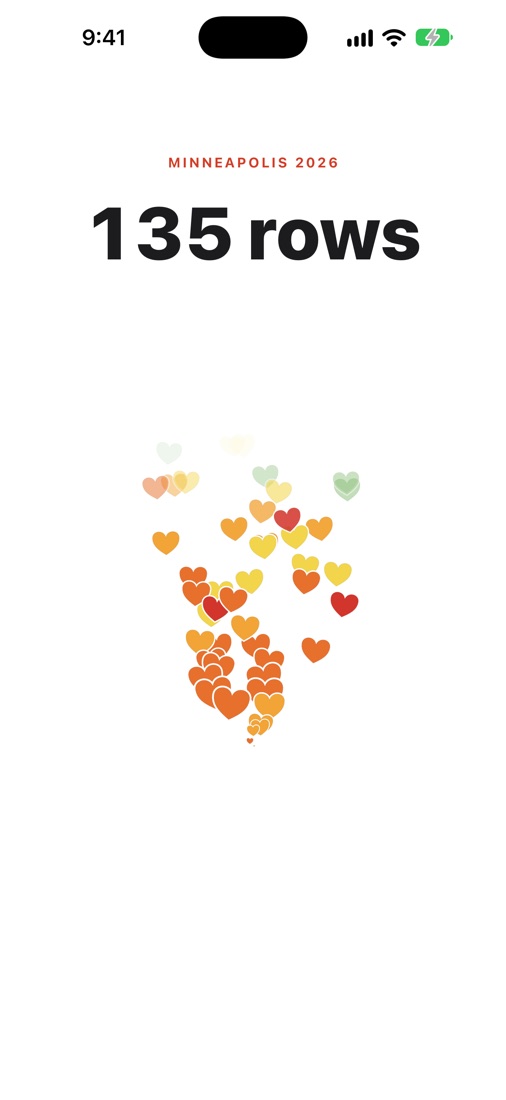
A heart for every row.
Your first row, your first week, every hundred rows, halfway, each finished month. One Row marks the moment with a heart for every row you've made, each one in that row's color, so you watch your year go by.
- Share the moment, or a photo of your blanket
- Early milestones so the habit sticks
Rain and snow
More than temperature.
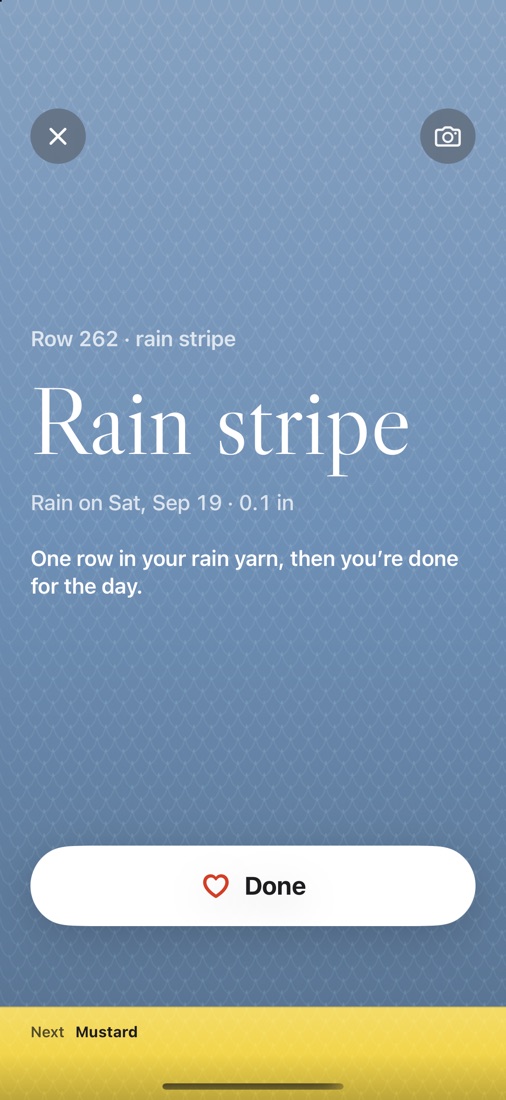
Mark wet days with a thin stripe of rain yarn, or a bobble if you'd rather, and working mode reminds you when it's time. Or make a whole blanket from rain and snow: calm dry days with storms running through them.
- Rain days on any temperature blanket
- Rain blankets, from dry days to downpours, plus snow
- Real rainfall for any year back to 1940
Free to make your blanket.
Everything you need for one blanket is free. One Row Plus is for makers with a few blankets going.
One Row
Free
- One blanket at a time, of any kind, plus unlimited plans
- Weather, mood, tracking and custom blankets
- Working mode, reminders, widgets and celebrations
- Classic palettes and six vibes
- iCloud backup
One Row Plus
$14.99 a year, or $34.99 once
- Unlimited blankets, all going at once
- Sync between iPhone and iPad
- Every vibe, plus color theory
- Size calculator and yarn needed per color
- Progress videos without the One Row end card
Try the yearly plan free for a week. Launch offer: $29.99 once, until January 31.
Start your blanket.
One Row is coming to iPhone this winter, in time for January 1. Want to try it early? Join the beta and help shape it.
Join the beta